
The Source
Newspaper Navigator
By Michael K. Shaffer · Originally published December 2020 · pp. 18–19
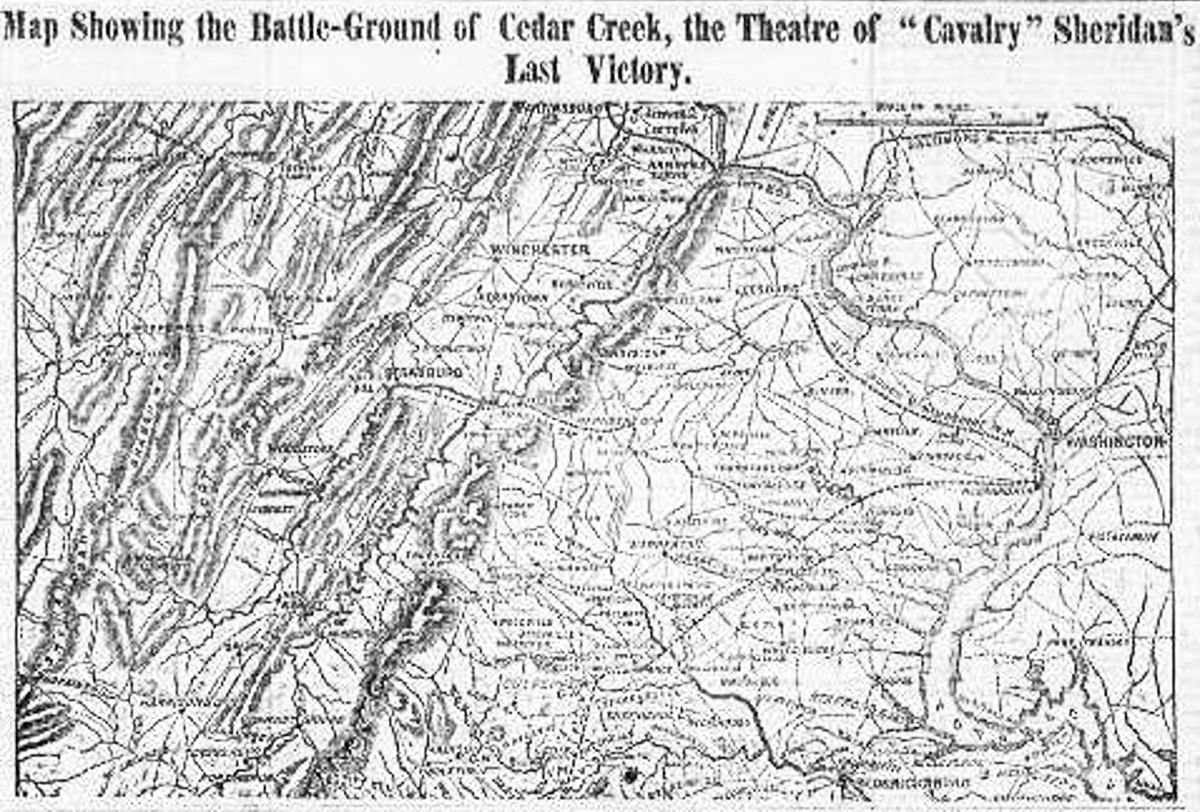
and change the portion in bold: https://newsnavigator.labs.loc.gov/prepackaged/1864_images.zip. While researching this article using this link, up popped
Sheridan’s Victory Map. https://news-navigator.labs.loc.gov/prepackaged/1861_ photos.zip https://news-navigator.labs.loc.gov/prepackaged/1861_illustrations.zip https://news-navigator.labs.loc.gov/prepackaged/1861_illustrations.zip https://news-navigator.labs.loc.gov/prepackaged/1861_ comics.zip https://news-navigator.labs.loc.gov/prepackaged/1861_cartoons.zip
1862
Map from 1864. Kudos to Ben Lee and the staff at the Library of Congress, including all their wonderful volunteers in the Beyond Words crowdsourcing project, for developing an incredibly helpful tool to quickly search Civil Warera newspapers (and newspapers from other periods in our history)! As of late October, 1.56 million images from 16,358,041 newspaper pages populate the database. The Library of Congress continues its work in populating the Navigator with additional data, but a goldmine already awaits those researching the American Civil War. This writer will not pretend to understand the technology behind this fantastic tool. Still, thanks to Ben, who kindly provided this non-technology guru with preprogrammed datasets, hopefully, each reader will take the time to unlock the awaiting treasures. Begin your planning, and one will need to spend a little time mapping a search strategy at https://news-navigator.labs.loc.gov. Again, thanks to Ben, we can quickly turn the flanks of the technology defense in using what he terms “Pre-Packaged Datasets.” Before we look at the possibilities, the following represent the categories one can search: photos, illustrations, maps, cartoons, and comics. For this exercise, let us focus on maps and photographs (check out the comics as time permits). The datasets Ben provided work as follows. For example, if seeking maps from 1861, enter https://news-navigator.labs.loc.gov/prepackaged/1861_maps. zip into your browser and download a .zip file containing many images. One word of caution, most of these files prove quite large, so perhaps one will enjoy a better user experience on a desktop/laptop versus a mobile device. Thanks to Ben for explaining things, so even this historian could understand! To search for a different year and or search for something other than maps, follow this process. Let us look at the previous link: https:// news-navigator.labs.loc.gov/ prepackaged/1861_maps.zip (hyperlink removed for explanation clarity). The standard part of the URL for various searches remains https://news-navigator.labs.loc.gov/prepackaged/; tweak the final part of the link to obtain different results. For example, if your research leads to images of individuals from, say 1864, start with the base URL
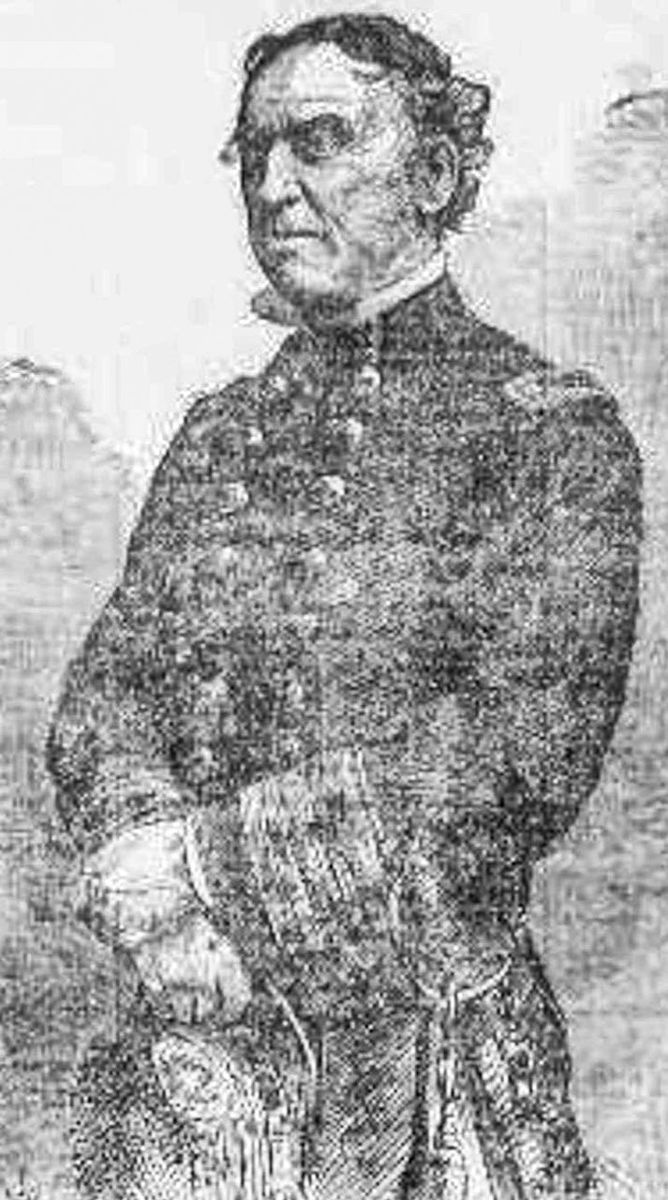
Admiral David Farragut the “Damn the torpedoes!” man himself. Below, one will find listed all the possible searches from 1861–1865. These links remain active, so if you subscribe to the electronic edition of Civil War News, click and enjoy! Pre-Packaged Civil War Era Datasets
1861 https://news-navigator.labs.loc.gov/prepackaged/1861_ maps.zip
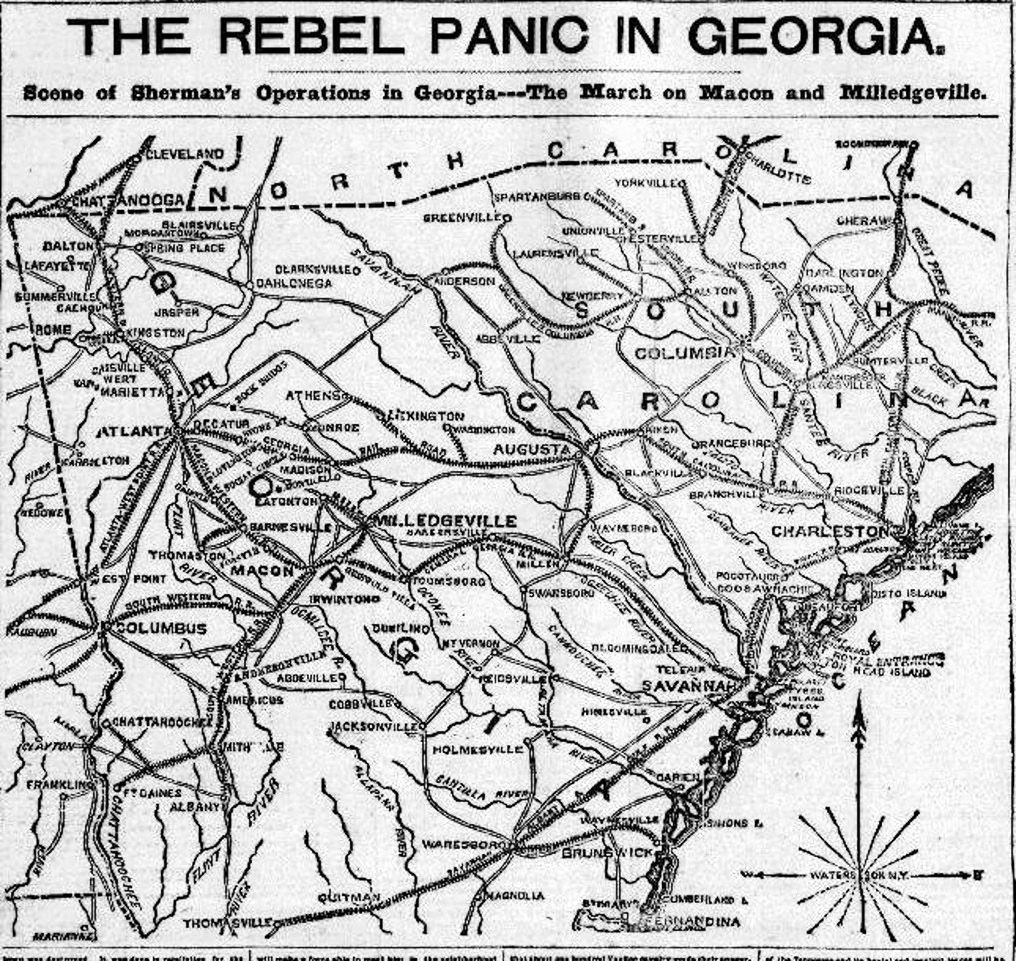
Opened .zip folder.
https://news-navigator.labs.loc.gov/prepackaged/1862_ maps.zip https://news-navigator.labs.loc.gov/prepackaged/1862_ photos.zip https://news-navigator.labs.loc.gov/prepackaged/1862_illustrations.zip https://news-navigator.labs.loc.gov/prepackaged/1862_illustrations.zip https://news-navigator.labs.loc.gov/prepackaged/1862_ comics.zip https://news-navigator.labs.loc.gov/prepackaged/1862_cartoons.zip
1863 https://news-navigator.labs.loc.gov/prepackaged/1863_ maps.zip https://news-navigator.labs.loc.gov/
prepackaged/1863_photos.zip https://news-navigator.labs.loc.gov/prepackaged/1863_illustrations.zip https://news-navigator.labs.loc.gov/prepackaged/1863_illustrations.zip https://news-navigator.labs.loc.gov/prepackaged/1863_ comics.zip https://news-navigator.labs.loc.gov/prepackaged/1863_cartoons.zip
1864 https://news-navigator.labs.loc.gov/prepackaged/1864_ maps.zip https://news-navigator.labs.loc.gov/prepackaged/1864_ photos.zip https://news-navigator.labs.loc.gov/prepackaged/1864_illustrations.zip https://news-navigator.labs.loc.gov/prepackaged/1864_illustrations.zip https://news-navigator.labs.loc.gov/prepackaged/1864_ comics.zip https://news-navigator.labs.loc.gov/prepackaged/1864_cartoons.zip
1865 https://news-navigator.labs.loc.gov/prepackaged/1865_ maps.zip https://news-navigator.labs.loc.gov/prepackaged/1865_ photos.zip https://news-navigator.labs.loc.gov/prepackaged/1865_illustrations.zip https://news-navigator.labs.loc.gov/prepackaged/1865_illustrations.zip https://news-navigator.labs.loc.gov/prepackaged/1865_ comics.zip https://news-navigator.labs.loc.gov/prepackaged/1865_cartoons.zip
Identifying Sources Excel screenshot.
The procedure to identify the various images’ source proves copy the filename (the number 186412201 may actually repeat for a number of images, but the full name should be unique). Now, return to the original link, again in this example, https://
Try your skills in utilizing this tremendous source! You may